 Colimo
The garden that grows when the table is calm
Put the iPhone in the middle of the table. While it stays calm, Colimo the snail walks on and picks flowers. When it’s too loud for too long, he hides in his shell and a soft chime invites everyone to calm down.
Free, with one purchase for the whole garden
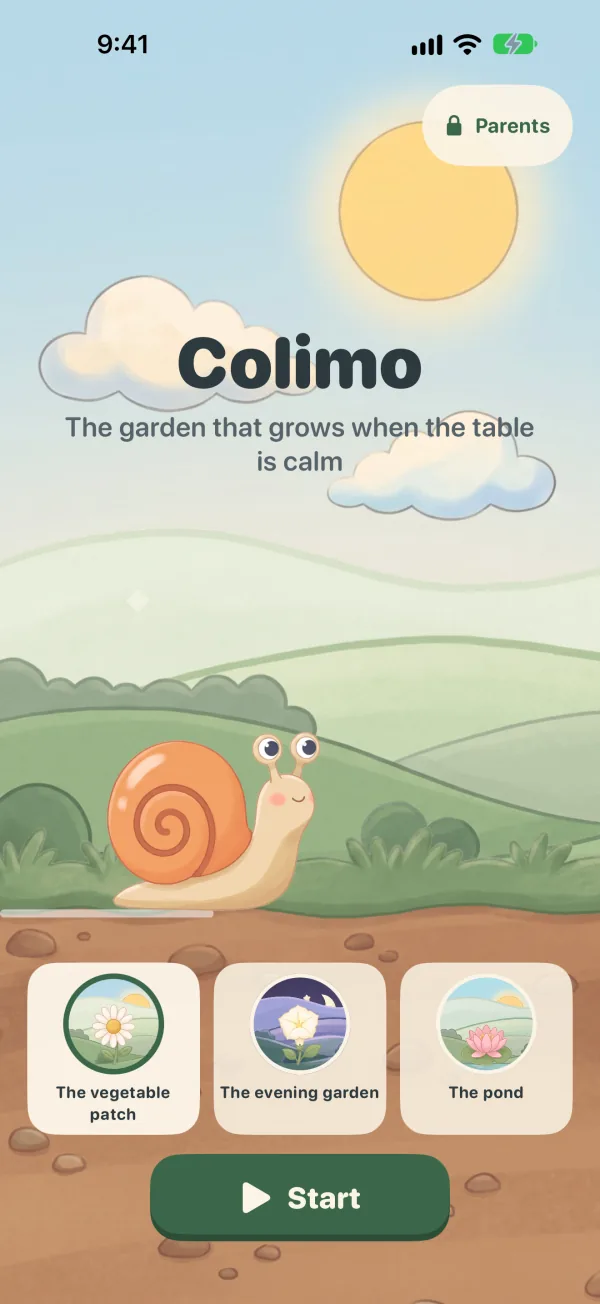

Calm makes the garden grow. Noise puts it on hold.
Colimo rewards a calm table, never noise. No red needle to push, no record, no decibel number for the children: just a snail who walks on… or hides.

A calm table: Colimo walks on
He goes along the path and picks one flower per minute of calm. Thirty quiet minutes, thirty flowers in the bouquet.

Too loud for too long: he hides
Colimo goes into his shell and stops, the garden waits, and a soft chime sounds until the table is calm again. Nothing goes backwards.
Nothing happens when it’s loud: there is nothing to win by shouting.
Three steps, no setup required

Place the iPhone
Flat, screen up, in the middle of the table. For a long meal, plug it in: the screen stays on during a session.

Colimo listens
He listens to the room for a few seconds as he sets off, then compares the table with that background noise. A burst of laughter or a dropped fork isn’t enough: only noise that lasts counts.

A soft reminder
After about 5 seconds of noise, Colimo hides and a chime sounds, then again every 10 seconds if it goes on. Three seconds of calm, and he comes out.
At the end, the summary shows the bouquet and, as an invitation, the flowers a calm table would have added.
Make some noise… and see
No microphone on this site: the slider plays the table. The rules are the app’s, sped up.
 0
0
Nice and quiet… Colimo walks on.
Sped-up demo: a flower every 6 seconds instead of one a minute. The reminder is the app’s “Wind chime”, at its three levels.
For the moments when the table gets carried away
Made for families with young children. Parents place the iPhone and pick the sensitivity; the children watch Colimo.
Family meals Lively
The recommended sensitivity: a normal conversation is fine, a din that lasts makes Colimo hide.
Homework, reading Calm
For a quiet moment, when everyone needs to focus.
A snack, a board game Party
Laughing and cheering are fine: Colimo only hides when it really gets loud, for a while.
One garden screen, from start to finish
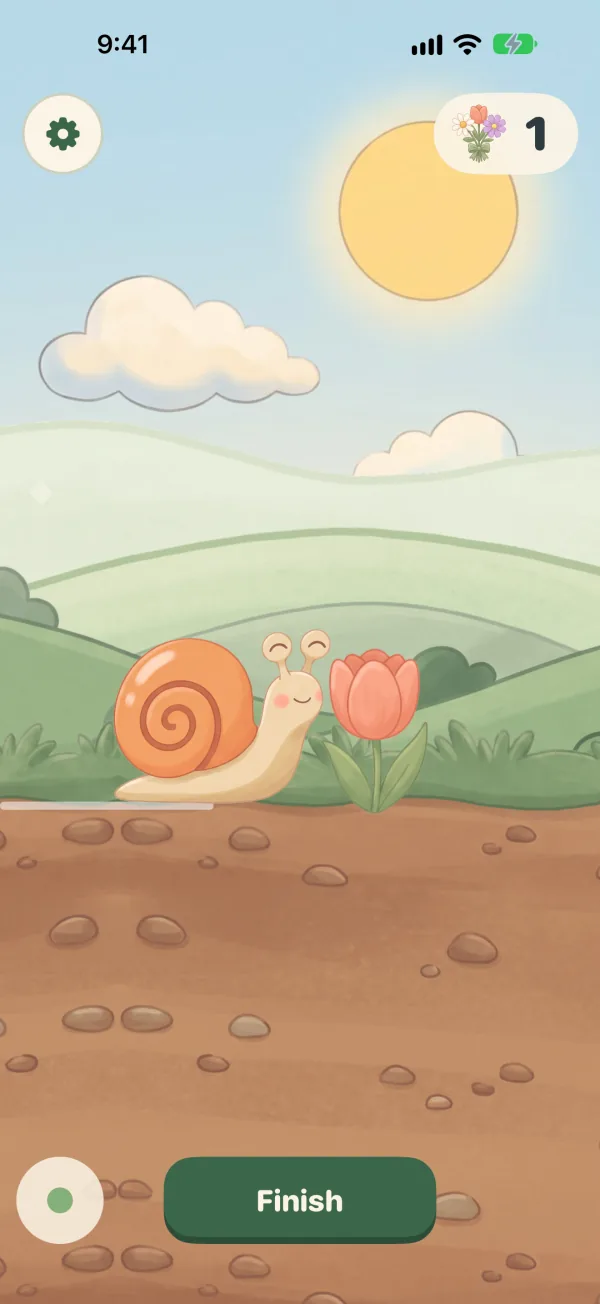
A calm table: Colimo walks on 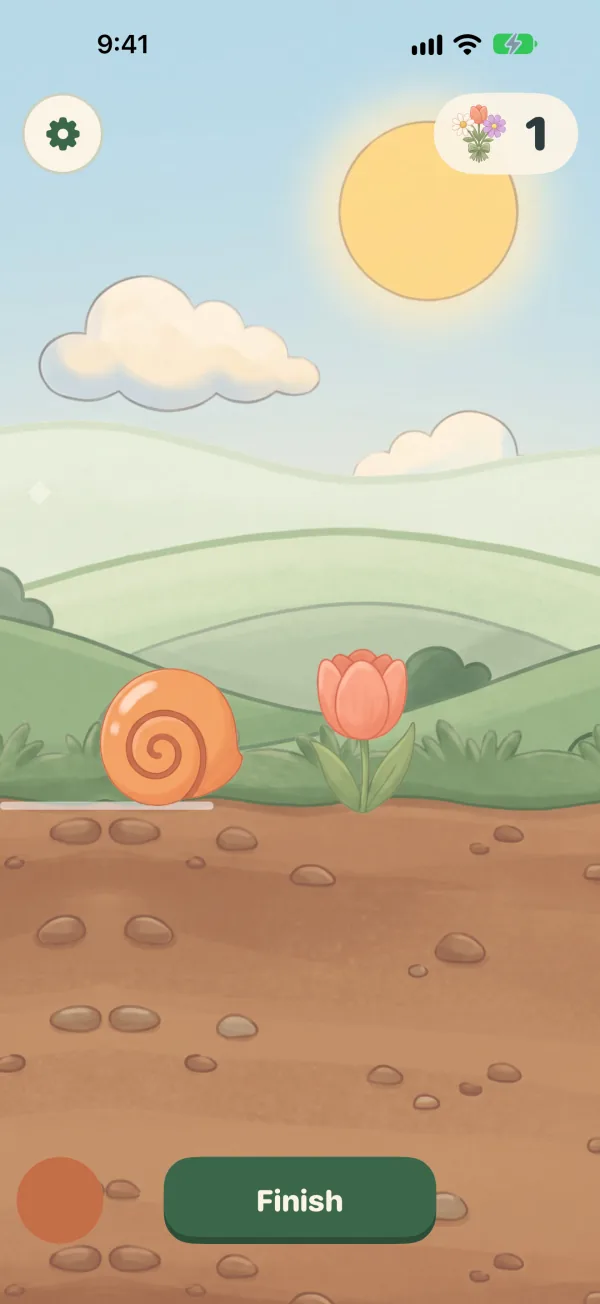
Too loud: he hides 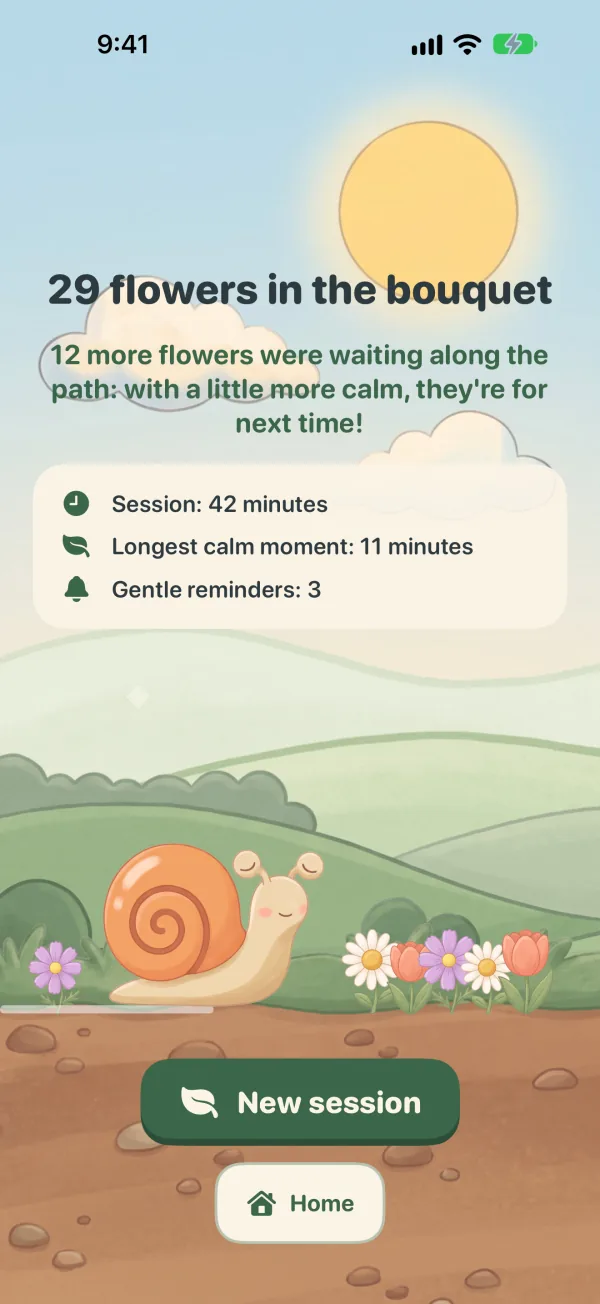
The summary and its bouquet 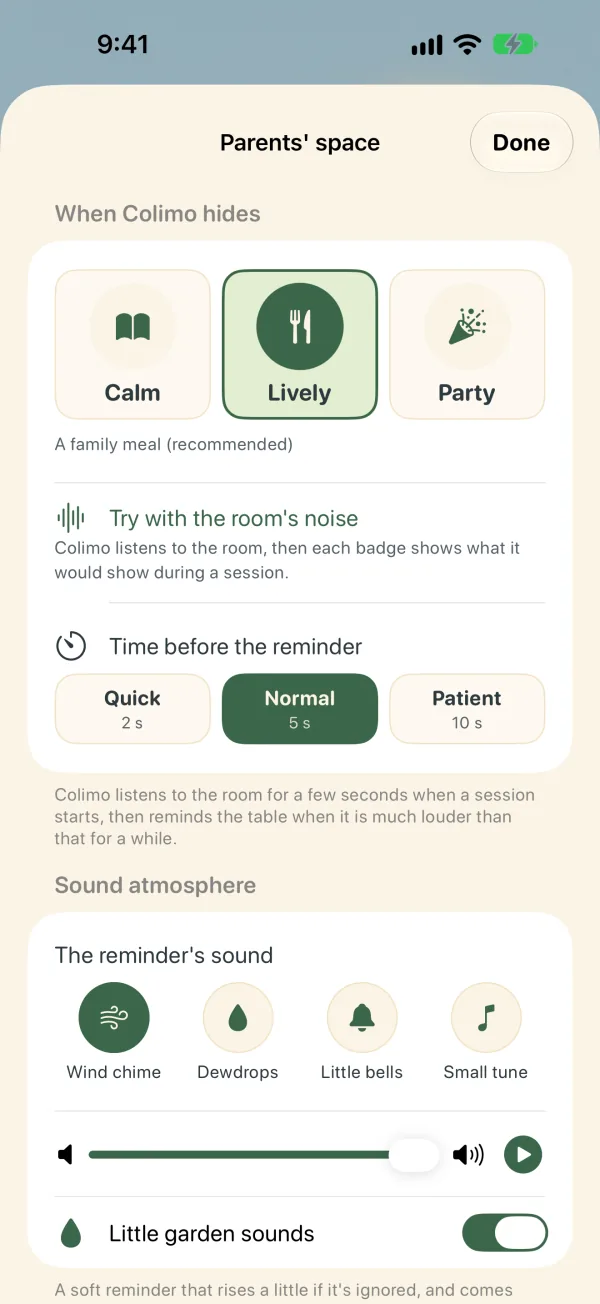
The parents’ space 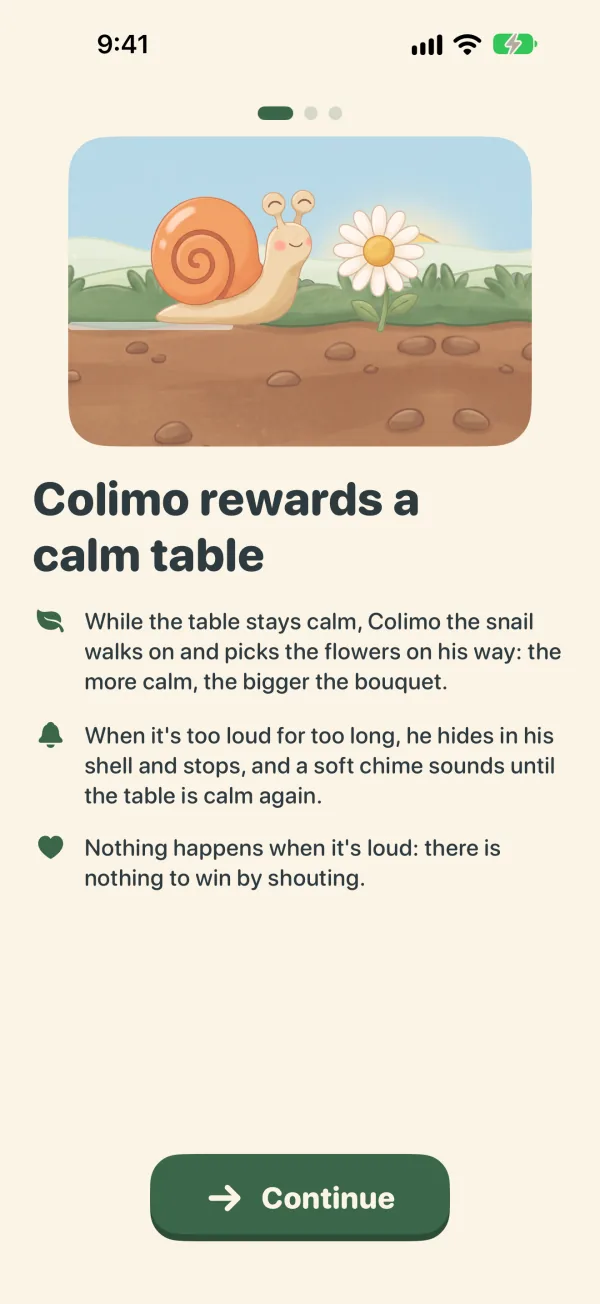
The microphone, explained first
The microphone listens, but nothing is kept
- Sound is never recordedNor stored, nor sent. Only a level is computed, ten times a second, live on the iPhone.
- No data collectedNo account, no analytics, no tracking. Settings and history stay on the iPhone.
- No adsNo ads, no social media links, no third-party SDK.
- Works offlineColimo doesn’t need the Internet. Only the purchase goes through the App Store.
- Settings are for grown-upsFinishing a session, changing a setting, buying: a question young children can’t answer.
- An indicative levelAn iPhone is not a sound level meter: Colimo makes no promise about hearing or health.
Free for every day, one purchase for the whole garden
The free version
Free
- Unlimited sessions, as long as you like
- The vegetable patch garden
- The “Wind chime” reminder and its volume
- The three sensitivities, and trying them with the microphone
- A summary after each session
- The last 3 sessions in the history
The Whole Garden
€2.99 once, in France


- Everything in the free version
- Two more gardens: the evening garden and its fireflies, the pond and its water lilies
- Three more reminder sounds: dewdrops, little bells, a small tune
- Choosing the delay before the reminder: 2, 5 or 10 seconds
- The full history of your sessions
One purchase. Forever. For the whole family.
Family Sharing: up to six family members use it at no extra cost. No subscription.
The App Store shows the price in your country, taxes included, before any purchase.
Frequently asked questions
Is the level accurate?
No, and that isn’t its job. An iPhone is not a sound level meter. Colimo compares the table with its own background noise, heard at the start of each session: it says “louder than usual here”, not an official figure. The level shown to parents is indicative, and Colimo makes no promise about hearing or health.
What about the microphone and our privacy?
Sound is never recorded, stored or sent. During a session, Colimo computes the room’s level ten times a second, on the iPhone, and forgets the sound right away. The microphone is only on during a session, or when a parent tries the sensitivities (one minute at most). iOS shows it with its orange dot. Details in the privacy policy.
What about the battery?
The screen stays on during a session and the microphone listens: that uses power, like a video. The scenery is animated with care to stay light, but for a long meal, the simplest is to plug the iPhone in.
Can I leave the app or lock the iPhone?
Yes. The session keeps listening in the background and with the screen locked, and the reminder still sounds; a Live Activity shows that Colimo is listening to the table. A call pauses the session, and it starts again by itself afterwards. If Colimo stops hearing the table while the app is closed, he can let you know with a notification (it stays on the iPhone).
What about AirPods or headphones?
During a session, Colimo listens with the iPhone’s microphone and plays the reminder on its speaker, even when headphones are connected: the whole table needs to hear it, not just the parent.
Does it really work with children?
Every table is different, and we promise no miracle. Colimo doesn’t scold: he gives children a visible reason to stay calm (a snail walking on, a bouquet growing) and a soft reminder when the noise lasts. The simplest is to try it for a few meals: the free version has no time limit.
Can the children change the settings?
Finishing a session, opening the parents’ space, buying or opening a link all need the answer to a grown-up question. To keep children inside the app, iOS also offers Guided Access (Settings › Accessibility › Guided Access).
Which devices?
iPhone, with iOS 17 or later. Colimo isn’t on iPad or Android yet.
Another question? Email us at colimo@helby.studio or see Help & contact.